Ready for service.
POS, kitchen display, handheld on the Dejavoo P8, and back office. A local Pivot team builds the menu and the stations.
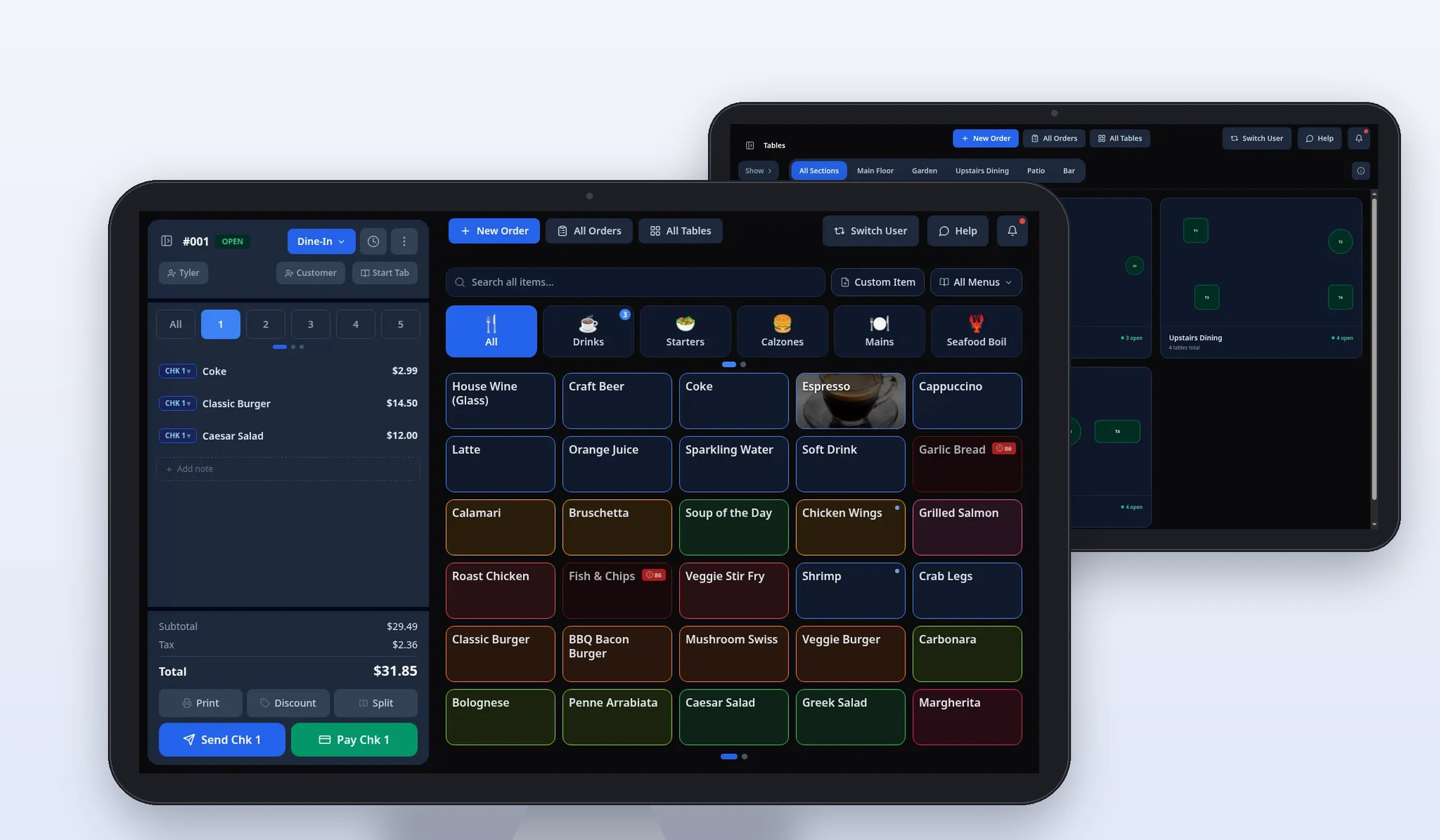
Sample screen · Names and prices on screen are sample data.
Service models
The counter, the floor, and the kitchen.
Seven products a local team sets up for the way you serve.
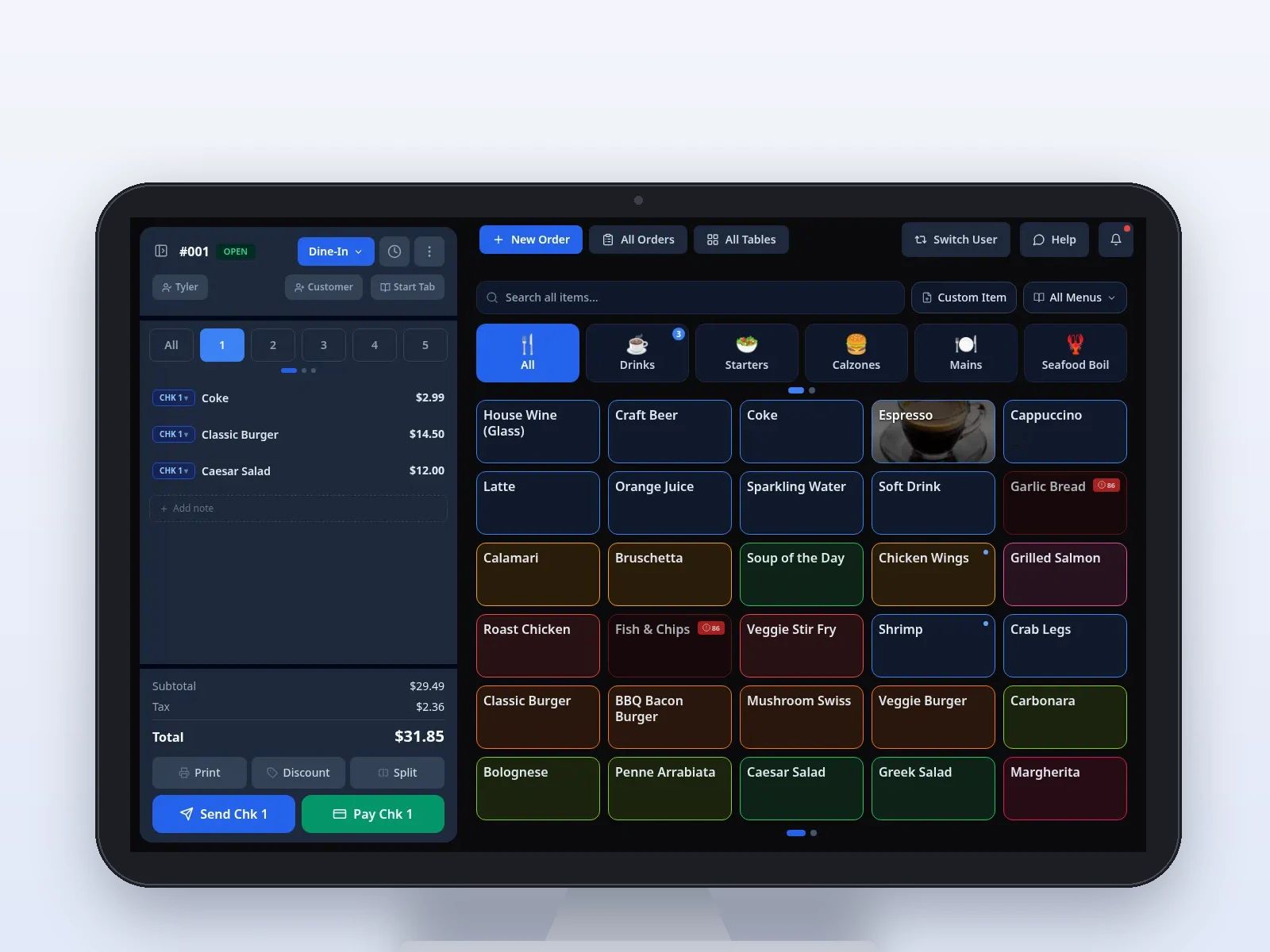 POSRing the order and close the check.
 HandheldSend the order from a Dejavoo P8.
 Kitchen DisplayTickets on the stations you configure.
 Pivot PocketOwner analytics, separate from the handheld.
 Online OrderingA branded link for pickup. Card payment is coming soon.
 Gift CardsSell, reload, and redeem on the platform.
 Back OfficeMenus, staff, and the day away from the register.All productsThe counter, the floor, the kitchen, and the owner.
POS photos are sample screens. Handheld, kitchen, Pocket, online ordering, gift card, and Back Office frames are illustrative.
Ring. Send. Pay. Review.
One shift, from the first item to the close, on the stations your team configured.
- 1
Ring
Take the order at the counter or on the handheld.
- 2
Send
The ticket lands on the kitchen stations your local team set up.
- 3
Pay
Close a card-present check through Dejavoo.
- 4
Review
Look at the day in Back Office, away from the register.
Built for the middle of a shift.
The details that show up between the first ticket and the last close.
Ring a check beside the menu and send it from the register.
Sample screen · Names and prices on screen are sample data.
Set up locally. Run the shift.
- A local team builds the menu, the modifiers, and the stations.
- Counter, handheld, kitchen, and back office on one platform.
- Book a walkthrough for the way your restaurant serves.
What a local team handles.
Read the full setupThe menu
Items, modifiers, and prices, plus the compliance questions that come with setup.
The stations
Counter, Dejavoo P8 handhelds, kitchen screens, and printers. Each item goes where they configure it.
The staff
Who can sign in with a PIN, and who can void or comp. Those actions keep an audit trail.
For the way the room serves.
Quick service, full service, bar, and café. The same platform, set up for that floor.
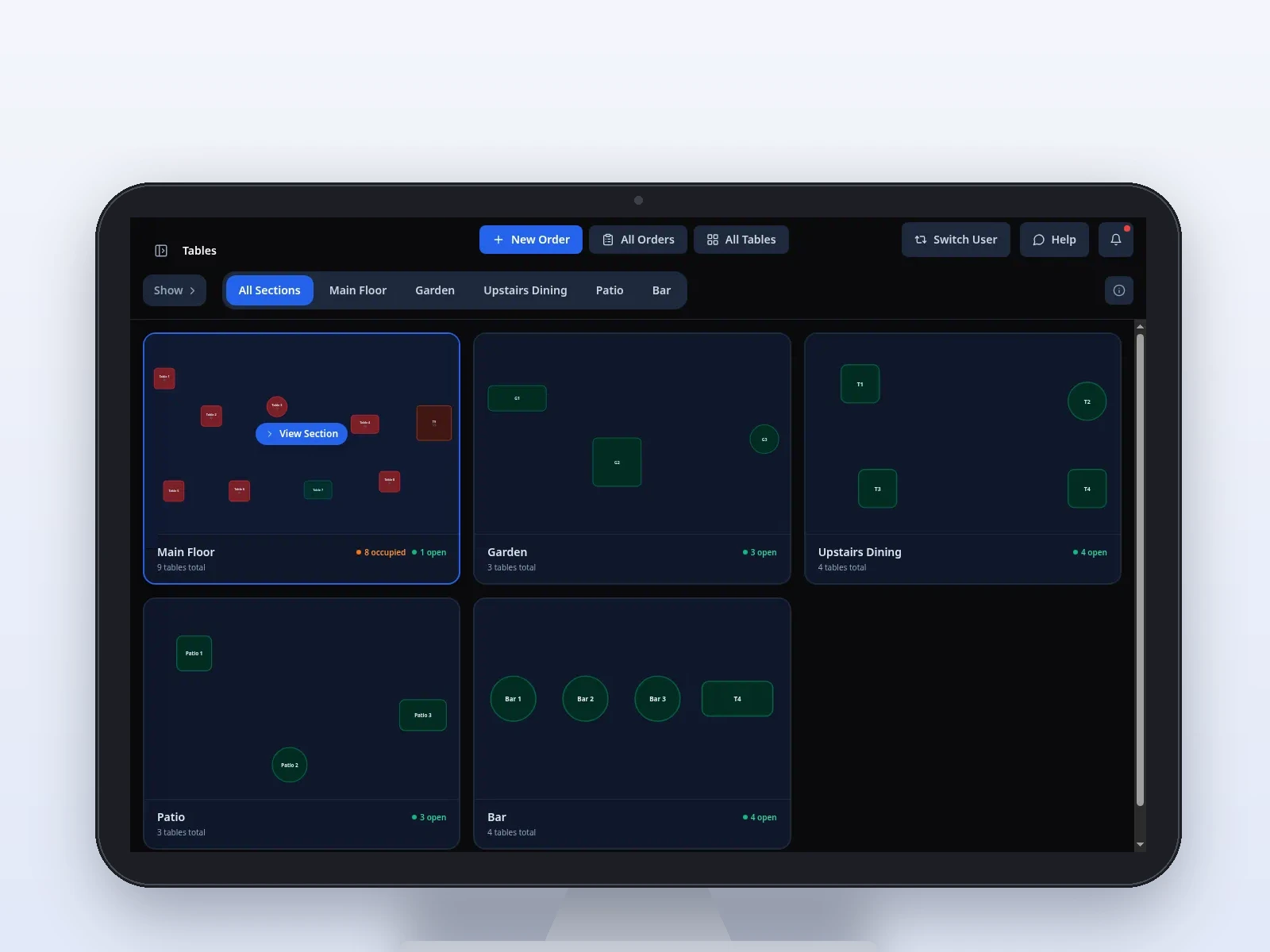
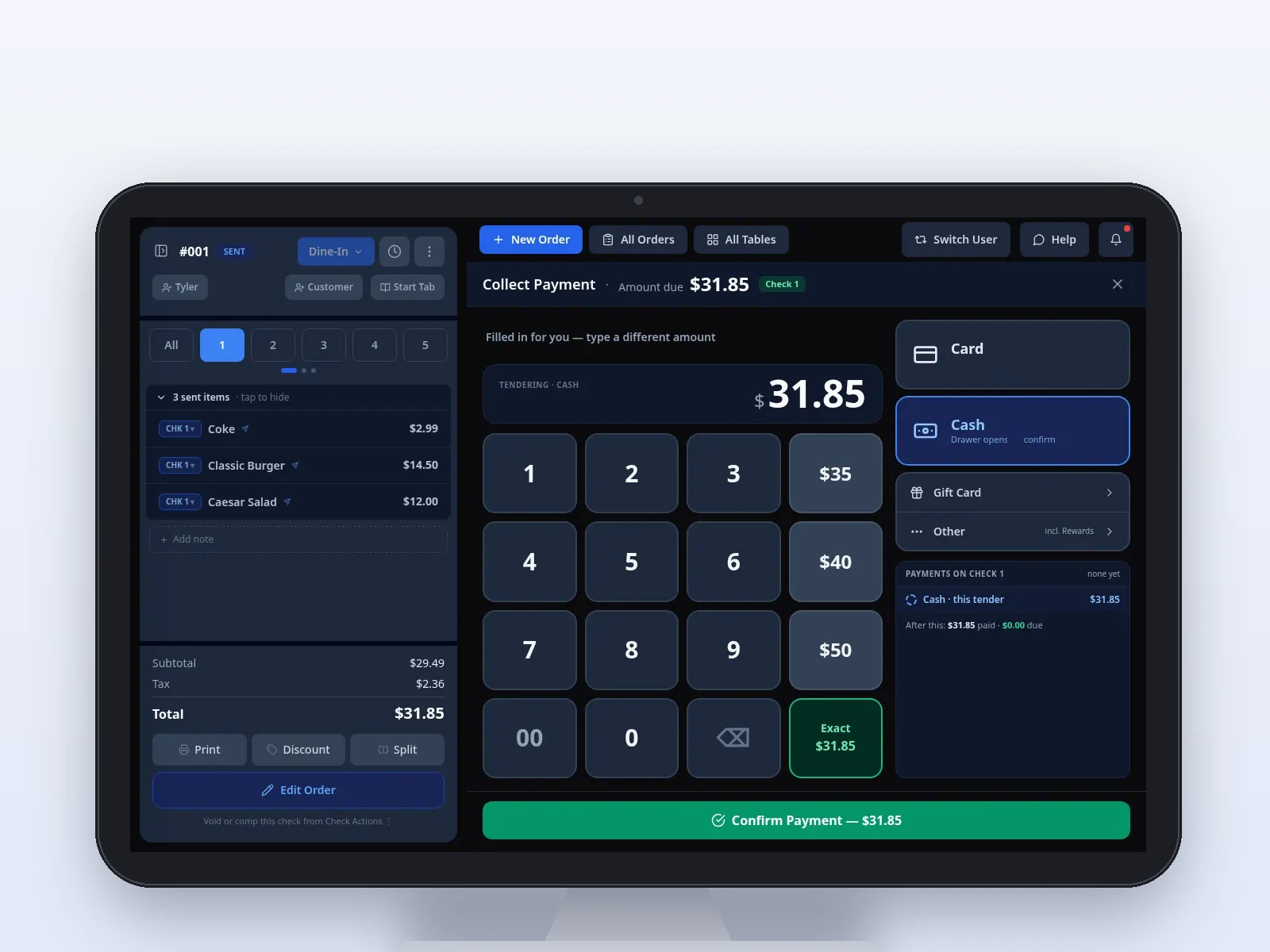
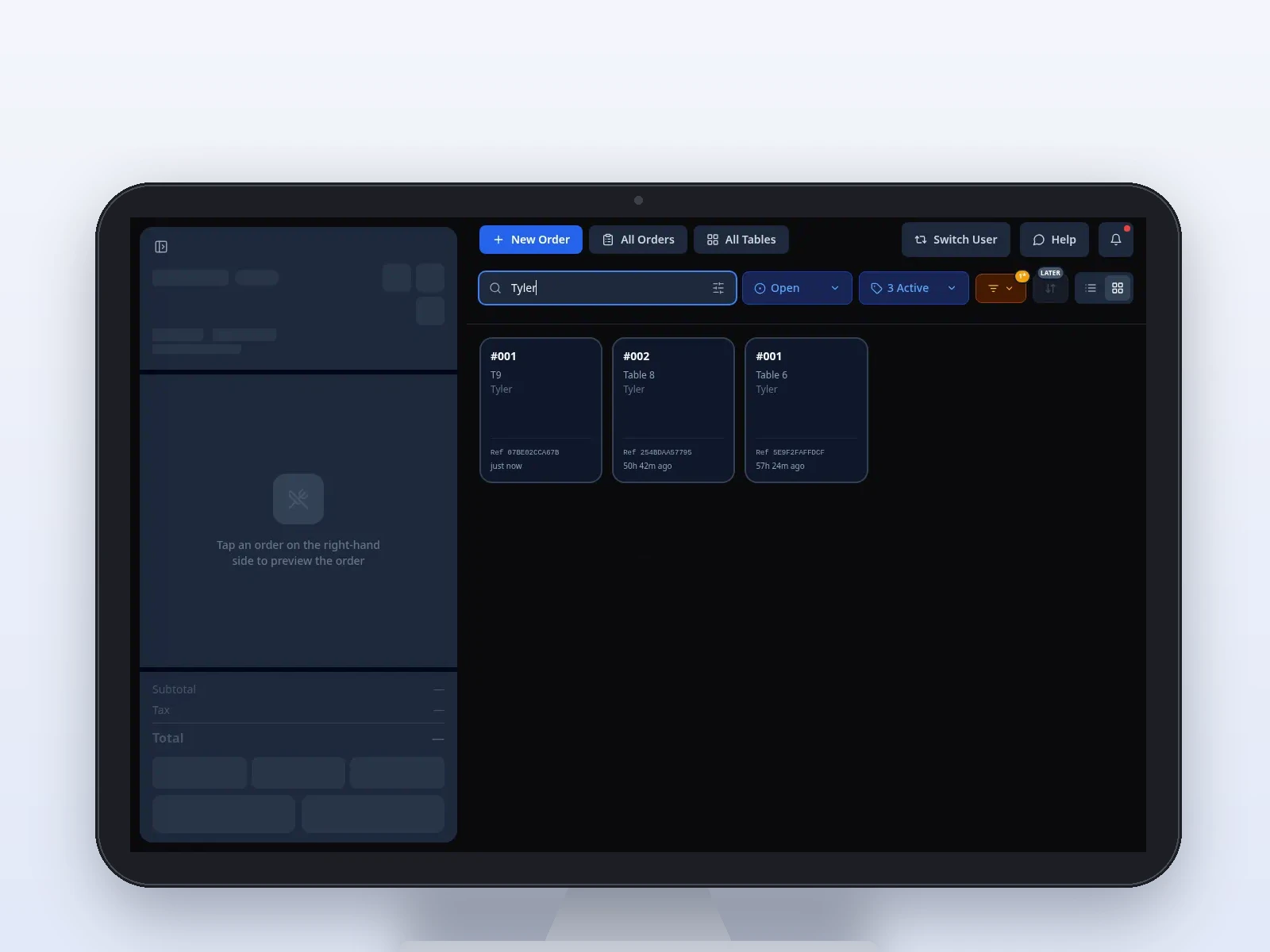
Sample POS screens, labeled by service model.
Three places the work shows up.
On the floorOrder at the table.A Dejavoo P8 for the server. Separate from Pivot Pocket.On the lineTickets the kitchen can read.Color timers default to 1 minute and 2 minutes.After serviceThe menu, off the register.Your local team builds it, then publishes it to the stations.Handheld, kitchen, and Back Office screens are illustrative.
See it on your menu.
- Menu, stations, and routing set up by a local Pivot team.
- POS, handheld, kitchen display, and back office for the shift.
- A demo on your service model before you go live.